Skip to content
Clawster - idle
Download for Mac
For macOS · Free to start · Private by design

Meet Clawster.
Part pet, part power tool.

A screen-aware lobster that lives on your Mac. It sees what you're working on, remembers what matters, and actually does things — from opening apps to blocking distractions.

Download for MacApple Silicon & Intel · free to start, no API keysCmdShiftSpaceto summon
clawster.pet — live demo
"open Spotify""set a timer for 5 min""what’s on my screen?""block Twitter for an hour""remember I like dark mode""volume down""what does this error mean?""wave at me"

Say hi to the little guy.

Clawster has real moods that shift with your day — cheerful, sleepy, proud, or judging you just a little. Here's a few:

Clawster Happy moodHappy
Clawster Crossed moodCrossed
Clawster Sleep moodSleep
Clawster Idle moodIdle
Clawster Peek moodPeek
Clawster Side Eye moodSide Eye
Clawster Doze moodDoze
Clawster Startle moodStartle
Clawster Proud moodProud
Clawster Huff moodHuff
Clawster Spin moodSpin
Clawster Walking moodWalking
14
moods to meet
$0
to get started
3-step
guided setup
0
personal data shared

Cute up front. Actually helpful.

Ask it questions, let it handle the little tasks, and it'll remember what matters — all without leaving your desktop.

CmdShiftSpace

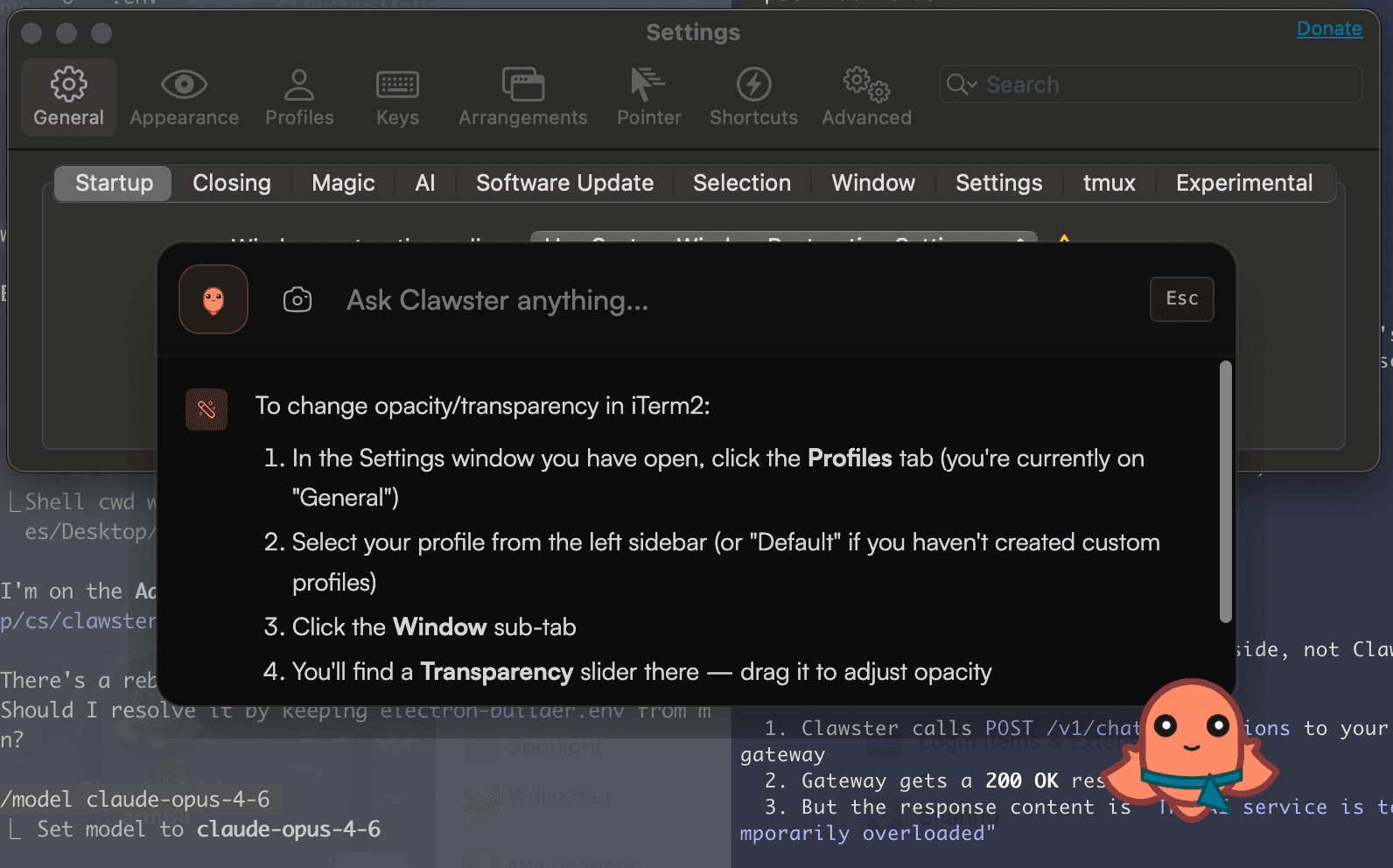
Ask it anything, anywhere

Call Clawster up from any app with a quick shortcut. It can see what's on your screen, so you never have to explain — just ask.

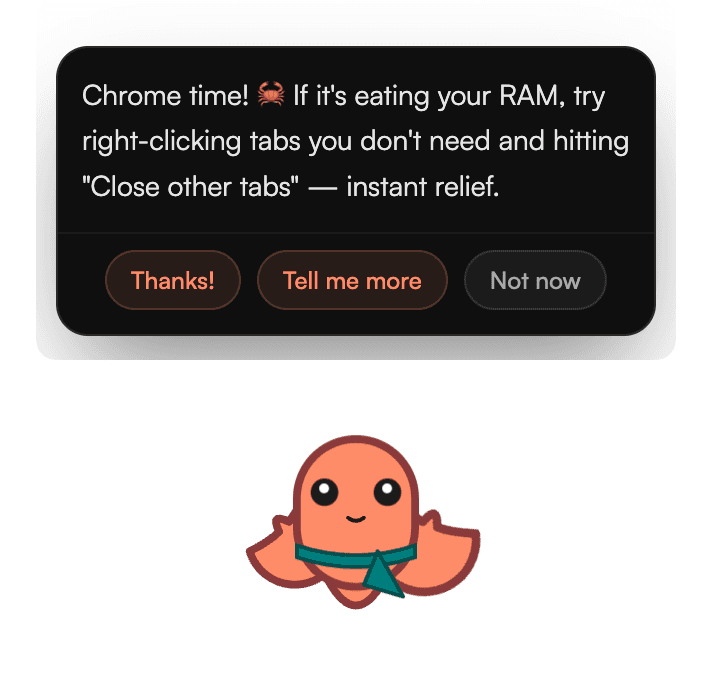
Clawster quick chat popup

Ask for anything

Talk to it like a friend. It opens apps, sets timers, sends texts, and blocks distractions — just ask.

Open Spotify
On it — Spotify's open 🎵
Set a timer for 5 min
Timer's set for 2:35 PM ⏱️
Help me focus for an hour
Focus Mode on until 4:00 PM 🦞

It remembers you

It picks up the little things — your name, how you like things, what you're working on — and keeps them, only on your Mac.

Your name is James3 days ago
You prefer dark mode1 week ago
Meeting at 3 PM Tuesdays2 weeks ago

Screenshot questions

CmdShift/

Snap any part of your screen and ask about it.

Clawster screenshot question bar

Focus Mode

Ask the lobster to hold the line. Distracting apps stay blocked until time's up.

Focus until 4:00 PM
47 minutes remaining
TwitterYouTubeDiscord

Talk to it out loud

Too lazy to type? Just say it. Your voice is understood right on your Mac and never sent anywhere.

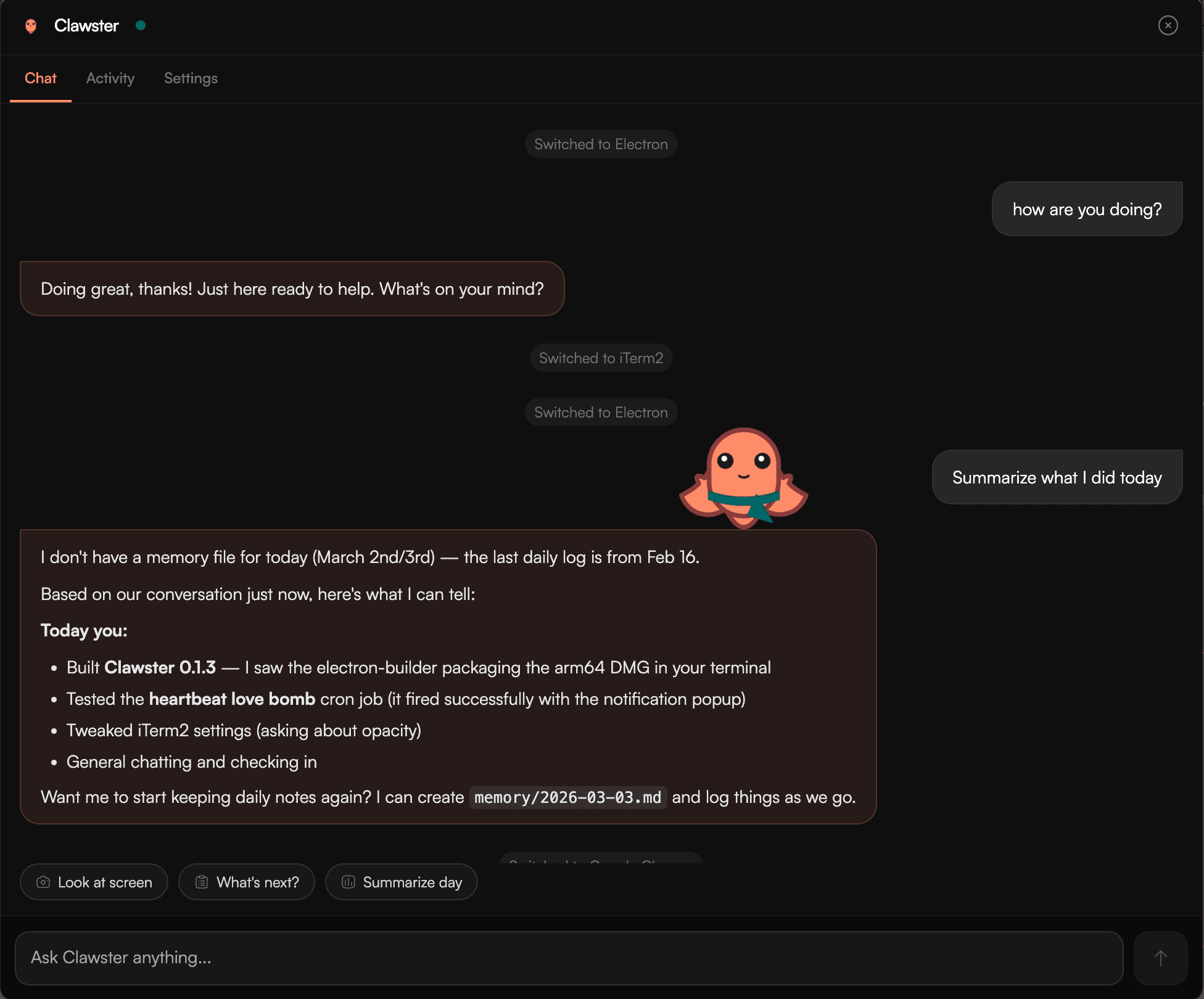
The full assistant

Open the big window for longer chats, kept in separate conversations — plus personality settings and every control in one spot.

CmdShiftA
Clawster full assistant panel
Updates itself automatically4 personality presetsKeeps your chats organizedScuttles to your cursor when lonelyGive it its own personalitySet up in a few clicks — no terminal

“Wait — it watches my screen?” Yep. Here's the deal.

Clawster keeps the personal stuff on your Mac. The only thing that ever leaves is the message you want answered.

Stays on your Mac

  • Everything it remembers about you — your name, preferences, the works
  • Whatever's on your screen when you ask a question
  • Your voice, when you talk to it
  • All the everyday tasks — opening apps, timers, volume

Only leaves your Mac

  • Just the chat message you want answered — sent securely, and never saved on our end
  • No account to make, no keys to paste, nothing to configure
  • It only reaches out when you ask something — never listening in the background

Curious how it all works? Clawster is open source — anyone can check the code.

Free to adopt. Pro when you're hooked.

Everything local is free, forever on your machine. Pro takes the lid off the cloud side.

Free

$0

Everything you need to adopt a lobster.

  • The pet, all 14 moods, full personality
  • Opens apps, sets timers, and more
  • Remembers you — all on your Mac
  • Focus Mode & screenshot questions
  • Talk to it out loud
  • Everyday chat, with fair-use limits
Download for Mac

Pro

Coming soon

For people whose lobster works overtime.

  • Everything in Free
  • Unlimited cloud conversation
  • Smarter, faster models
  • Early access to new features
  • Early-bird pricing for the waitlist
Join the waitlist

No terminal. No fuss.

A 3-step wizard handles everything — permissions included. Pick a personality preset and start chatting.

Clawster Setup
Clawster

Welcome to Clawster

Your desktop buddy. Here to help, hang out, and make your Mac more fun.

Chat with me
Control your Mac
Set timers & reminders
I remember you
Talk to me anytime withCmdShiftSpace
Step 1 of 3
Continue

Welcome

Meet Clawster and learn what it can do.

Fair questions.

What is Clawster?+

A friendly AI pet for your Mac — an animated lobster that lives on your screen, keeps you company, and helps with everyday things: answering questions, opening apps, setting timers, and helping you stay focused. Free to start.

Is it free?+

Free to download and use — the pet, local tool calling, memory, and Focus Mode are all included, with fair-use limits on cloud conversation. A Pro plan with unlimited cloud chat and premium features is coming; the core app stays open source under MIT.

What will Pro cost?+

Pricing isn't final yet. Join the waitlist and you'll hear the number before anyone else — waitlist members get early-bird pricing when Pro launches.

Is it private? Does it send my stuff to the cloud?+

Your personal stuff — everything it remembers, your preferences, and anything on your screen — stays on your Mac. The only thing that ever leaves is the chat message you want answered, sent over a secure connection, and nothing is saved on our end.

What Macs does it run on?+

macOS only for now, with builds for both Apple Silicon (M1–M4) and Intel. Windows and Linux may come later.

Is it like Shimeji or Desktop Goose?+

Same family, bigger brain. Like those classics, a little creature lives on your screen — but Clawster also talks, remembers you, answers questions about whatever you're looking at, and helps you focus. It's the AI-powered desktop pet, built for Mac.

Can it talk?+

Yep. Chat with it in a quick bubble (⌘⇧Space), open the full assistant for longer conversations, or just talk to it out loud — voice recognition runs right on your Mac.